


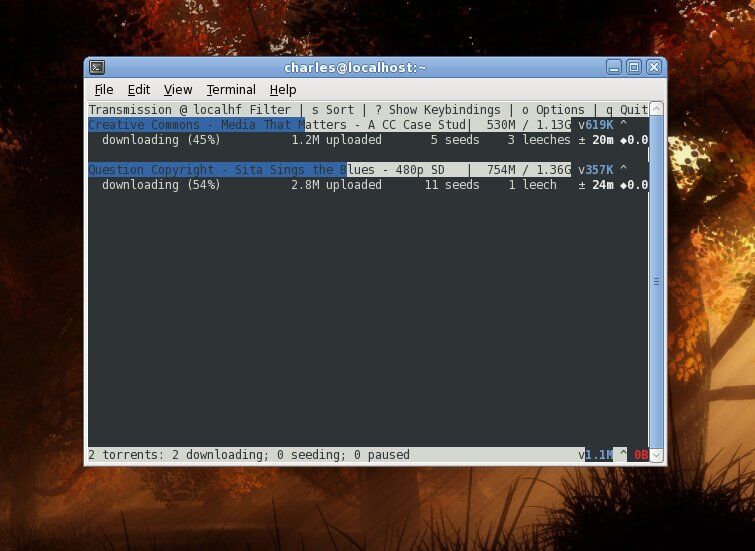
If you’re looking for fast, simple, easy to install CLI torrent client for CentOS Linux Distributions, So you must go to use Transmission-CLI, it will be best choice for Centos as a lightweight cli torrent client.
Transmission-CLI Installation
First We need install EPEL Repository
# dnf install epel-release
Then insall transmission-cli torrent client.
# dnf install transmission-cli
Using Transmission-CLI
To start download a local torrent file, you can use the transmission-cli command and gives it the file.torrent, and where to save the downloads -w
transmission-cli ./file-to-download.torrent -w /place/to/save/Downloads/ -ep
But if you need to make encryption connection if available, you can use the -ep option.
You can also download a remote torrent file by give transmission-cli command the file url.
transmission-cli https://example.com/file-to-download.torrent -w /place/to/save/Downloads/ -ep
Magnet Link Torrent Download is available too, with Transmission-cli, and to download a Magnet Link use as following
transmission-cli magnet:?xt=urn:btih:0477A48A7C07B1F01FBDBCD.......... -w /place/to/save/Downloads/ -ep
Many options are available in transmission-cli --help
[root@li560-107 ~]# transmission-cli --help
transmission-cli 3.00 (bb6b5a062e)
A fast and easy BitTorrent client

Usage: transmission-cli [options] <file|url|magnet>

Options:
 -h  --help                          Display this help page and exit
 -b  --blocklist                     Enable peer blocklists
 -B  --no-blocklist                  Disable peer blocklists
 -d  --downlimit              Set max download speed in kB/s
 -D  --no-downlimit                  Don't limit the download speed
 -er --encryption-required           Encrypt all peer connections
 -ep --encryption-preferred          Prefer encrypted peer connections
 -et --encryption-tolerated          Prefer unencrypted peer connections
 -f  --finish               script   Run a script when the torrent finishes
 -g  --config-dir              Where to find configuration files
 -m  --portmap                       Enable portmapping via NAT-PMP or UPnP
 -M  --no-portmap                    Disable portmapping
 -p  --port                    Port for incoming peers (Default: 51413)
 -t  --tos                      Peer socket TOS (0 to 255,
                                     default=default)
 -u  --uplimit                Set max upload speed in kB/s
 -U  --no-uplimit                    Don't limit the upload speed
 -v  --verify                        Verify the specified torrent
 -V  --version                       Show version number and exit
 -w  --download-dir            Where to save downloaded data
The Transmission Torrent Clinet Website can be found here